


Saudi Arabia eSIM 5G High Speed Data Supports Hotspot 30 Days 5-20GB Email Delivery (20GB for 30 Days)
Aperçu du produit
Marque: Générique
Prestataire de services: Zain
Technologie cellulaire: 5G/4G/LTE
Dimensions du produit: 10L x 5l centimètres
Nombre d'articles: 1
- Saudi Arabia eSIM with 5G/4G/LTE Data.
- Hotspot / Tethering / Internet Sharing allowed
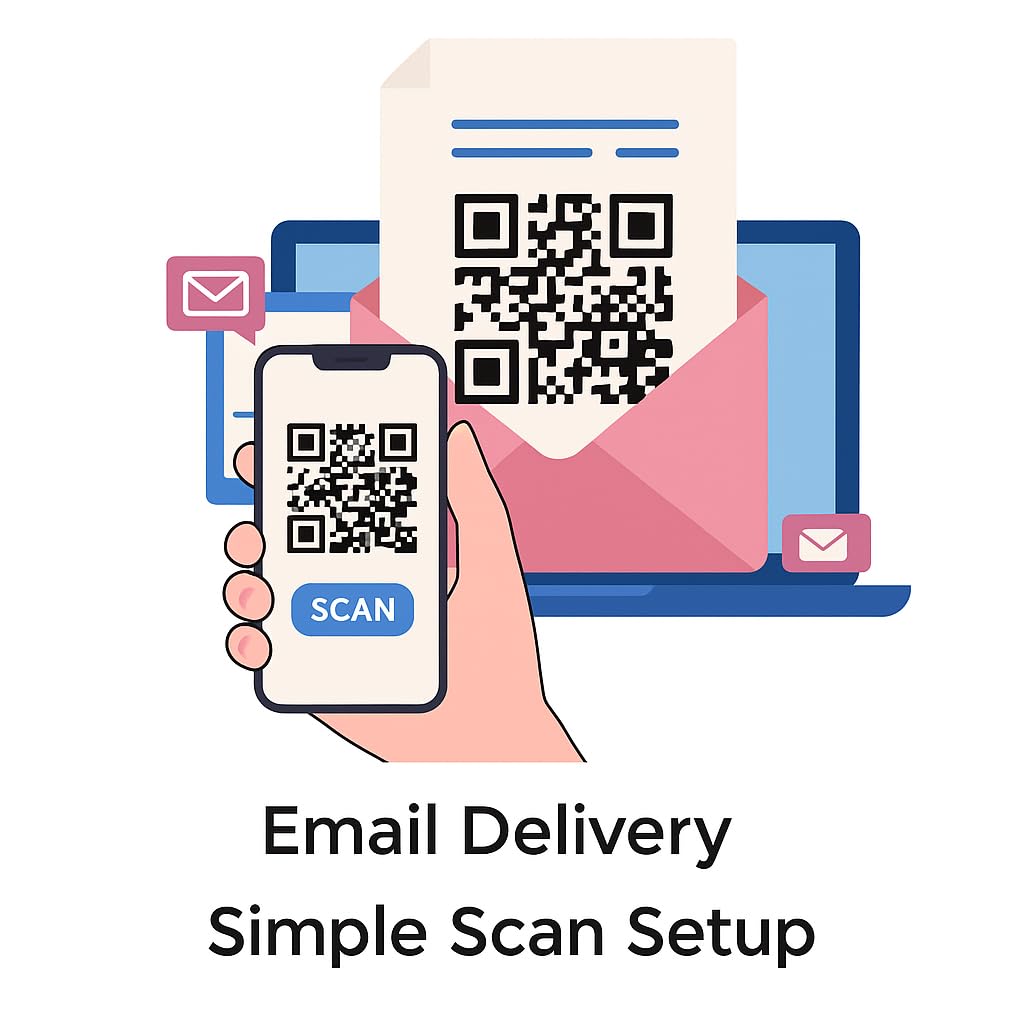
- Auto Activating! Validity starts when you scan the QR code. No physical SIM Card is sent to you. After purchasing, direct message us your email or send your email to [email protected] and you will receive the eSIM details(ie. QR code)+installation guide via email within 24 to 48 hours from [email protected]
- Must use unlocked phone with eSIM capability. Generally iPhone 12 and Android 2021 onwards are compatible. Dial *#06# and press call. If an EID number shows up, your device supports eSIM
- Data-only eSIM / No phone calls / SMS. VPN Access to apps like WhatsApp, Facebook, Instagram, YouTube, Google Maps & more
- To access Amazon message center, please follow the steps most applicable to you: (1) Mobile: Click on “Your Account” (top right) > Tap “See all” under “Your Account” > Tap “Your messages” under “Message center” > Tap “Buyer/Seller Messages”. (2) Computer: Click on “Your Account” (top right) > Click “Your messages” > Toggle to “Buyer/Seller Messages